
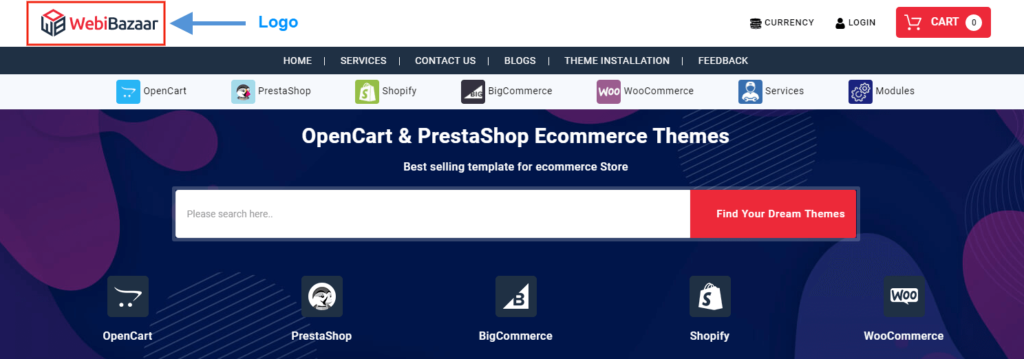
The logo is uploaded in the header of the website as it is the most visible place in your store.
The favicon is visible on the left side of the browser’s tab

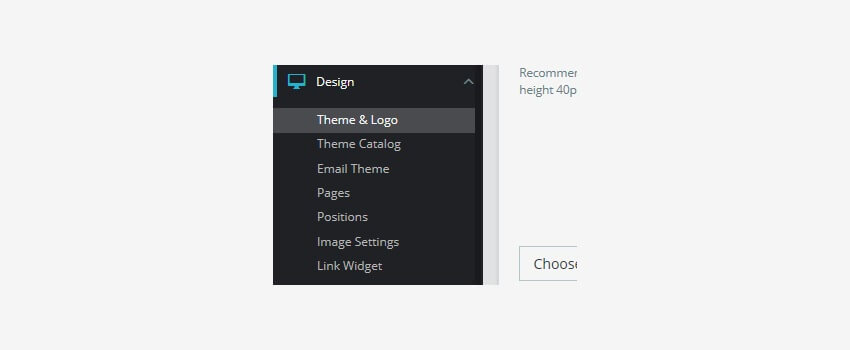
- In your Prestashop admin panel go to the Design ➜ Theme & Logo section :
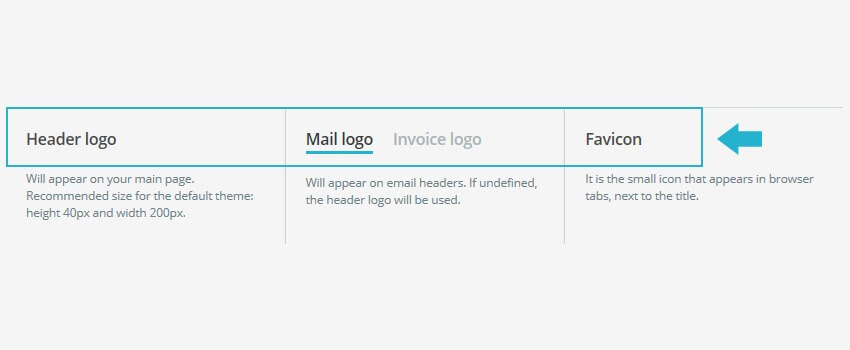
2. You will see there three tabs: Logo, Invoice & Email logos and Favicon :
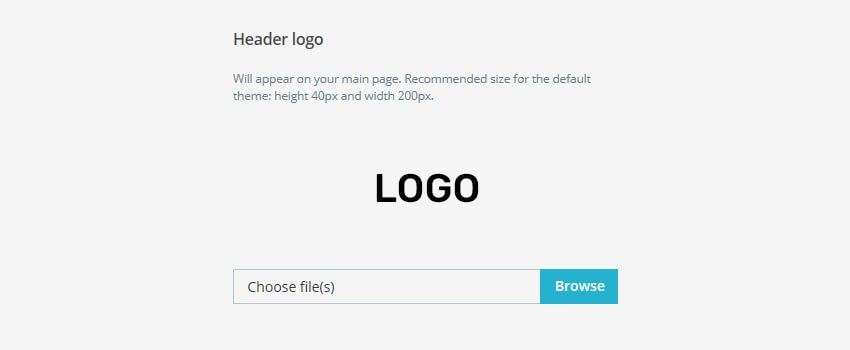
3. To add a logo to your online store, choose the Logo tab. For the Header Logo option, click on the Browse button and browse your new logo :
4. Click on the Save button to approve the changes.
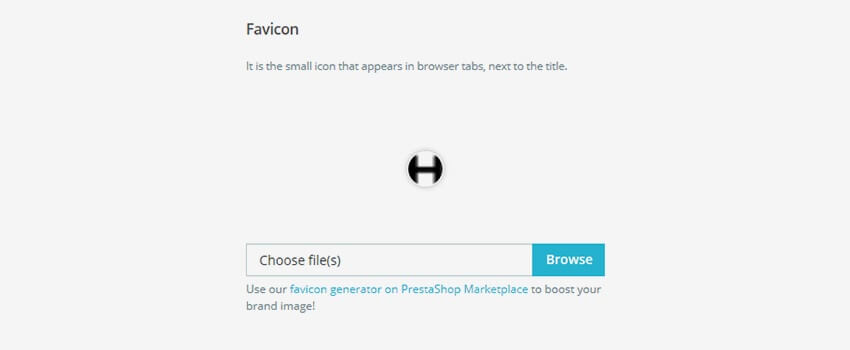
5. To add a favicon, choose the Favicon tab. For the Favicon option, click on the Browse button and choose your new favicon :
6. Save the changes and refresh your web page to see the changes you made.
Hope this tutorial will be helpful to you!
Related Tutorials For PrestaShop:
Use Link Widget | PrestaShop 1.7.X
How To Use CMS Pages | PrestaShop 1.7.X
Manage Positions Of Modules | PrestaShop 1.7.X
Maintain Store Title & Contact Information | PrestaShop 1.7.X
Setup (Layouts) Columns In Your Website | PrestaShop 1.7.X
Manage Order Statuses In Your Store | PrestaShop 1.7
Change Footer Copyright Text In Your Website | PrestaShop 1.7
Transfer Your Website From One Domain To Another | PrestaShop 1.7